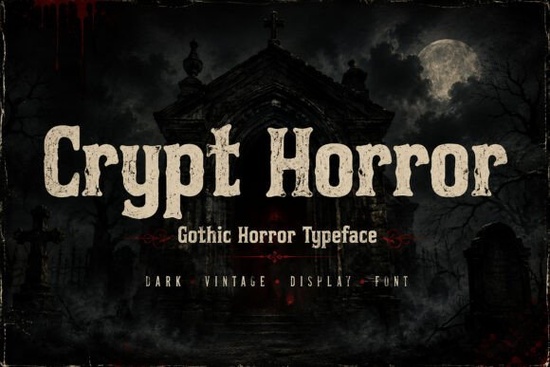
When designing for Halloween or creating a spine-chilling book cover, the right typography sets the mood immediately. The Crypt Horror font provides exactly what designers need for these dark projects. It features rough edges, organic imperfections, and a vintage handcrafted feel that mimics old crypt carvings. Whether you are making metal band logos or haunted house posters, this distressed display typeface brings an eerie, cinematic atmosphere to your work.
What projects work best with a distressed gothic typeface?
The irregular edges of this style make it stand out heavily on physical products. For small businesses selling on print-on-demand platforms, gothic typography works perfectly on dark apparel. We have previously explored how typography shapes dark themes in our full breakdown of this specific gothic lettering style. Here are a few specific applications where this aesthetic shines:
- Halloween branding: Logos and event flyers that require an authentic vintage horror vibe.
- Book covers: Thriller and dark fantasy novels where the title must look intimidating.
- Merchandise: Stickers, patches, and mugs targeting fans of gothic culture and dark art.
- Game design: Covers and user interface elements for survival or mystery games.
- Tattoo artwork: Flash sheets requiring a bold, rough lettering style that feels permanent.
How do you balance rough edges with readability?
A highly distressed horror font can be incredibly hard to read if used in long paragraphs. It is strictly a display typeface. Use it for short, impactful text like titles, headers, and logos. Pair it with a clean sans-serif font for your body copy to ensure your message remains clear to the reader. If you need an alternative with a slightly different texture, Crypt Horror remains a top choice, but you should keep the text large enough so the organic imperfections are visible and do not just look like printing errors.
What other display fonts pair well for creative contrast?
Sometimes a purely dark aesthetic needs a contrasting secondary font to keep the overall design from feeling entirely flat. Here are a few options that crafters and hobbyists often mix with gothic styles:
- Aaksaraan Inktrace: Great for adding an inky, hand-stamped vibe to your project. Check out Aaksaraan Inktrace if your design needs an authentic traditional print look. You can also see how ink-inspired styles compare in our guide to rough ink typefaces.
- Snobit: When you need something completely different to balance the heavy gothic letters, a sleek, modern option can work wonders. Grab Snobit for clean geometric shapes, and read more about using contemporary display choices for contrast.
- Helge: If your horror theme leans more toward rugged and outdoorsy rather than haunted, this is a solid choice. You can download Helge for a worn, textured feel. We discuss similar rugged choices in our exploration of distressed outdoor lettering.
- Pufflet Bloom: For a jarring, ironic contrast like a cute font paired with dark imagery floral styles create a memorable visual hook. Get Pufflet Bloom to try this approach, or browse our thoughts on incorporating floral display designs into unexpected themes.
What technical settings ensure the best print quality?
Since this typeface relies on distressed textures and fine rough details, how you export your file matters greatly for print-on-demand sellers and crafters.
- Resolution: Always design at 300 DPI for physical merchandise. Low resolution will turn the intentional organic imperfections into blurry, unappealing pixels.
- Color Contrast: Use stark contrasts, like bone white text on a pitch-black background, to make the vintage carving details pop off the page.
- Kerning: Because the letters are handcrafted and irregular, you might need to manually adjust the spacing between certain characters so they do not overlap awkwardly.
Before you finalize your next dark-themed project, run through this quick practical checklist:
- Confirm the text is strictly for titles or short phrases, avoiding long paragraphs.
- Verify your digital canvas is set to a high resolution for clear, crisp distressed edges.
- Check that your body text uses a simple, highly readable font to support the main display typeface.
- Test your color contrast on a calibrated monitor to ensure the eerie vibe translates well to the final printed product.
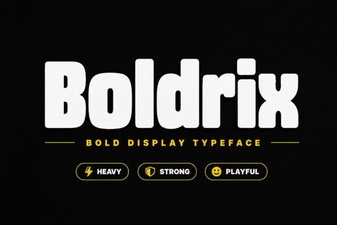 Boldrix Font: a Modern Designer's Toolkit
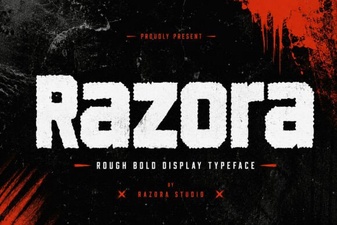 Razora Font: Design Inspiration & Use Cases
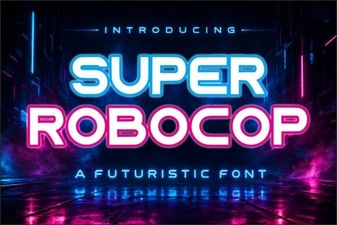 Super Robocop Font: Designs & Creative Projects
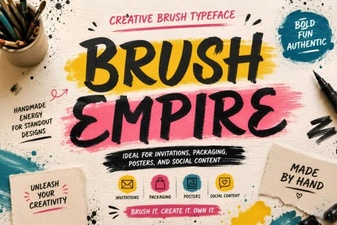 Brush Empire Font for Creative Design Projects
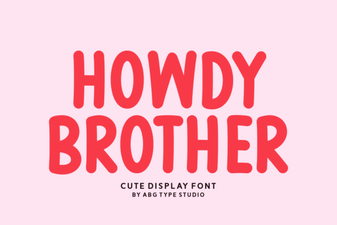 Howdy Brother Font: Free Download & Creative Uses
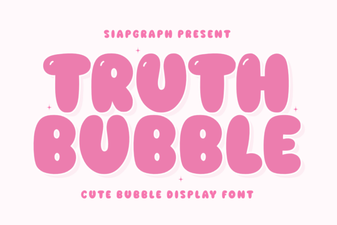 Truth Bubble Font for Your Creative Projects