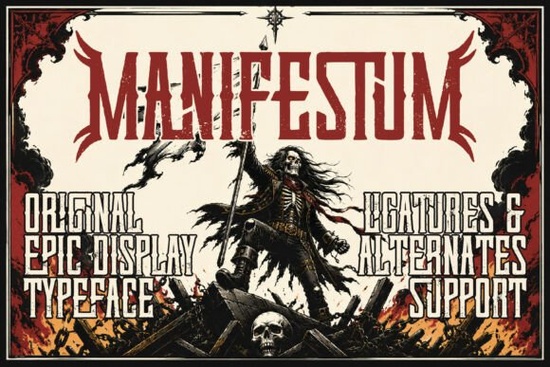
When you need lettering that looks like it was forged in a medieval armory, the Manifestum Font delivers exactly that. The unyielding nature of the lettering commands attention immediately. This heavy-duty display typeface features blocky uppercase characters with aggressive horn extensions and an aged stone-cut texture. It is built specifically for designers and print-on-demand sellers working on dark fantasy projects, heavy metal album covers, or rugged streetwear merchandise.
What projects work best with this battle-worn typeface?
Designers usually reach for this style when the goal is to project authority and a legendary feel. It gives any design an immediate sense of history and durability. The sharp, unyielding edges make it ideal for tabletop gaming manuals where a rugged aesthetic is required. It also works perfectly for independent bands looking for striking album art, dark fantasy novel titles, or high-impact social media headings. If your project requires a slightly different mood, you might contrast it with a softer display typeface like this alternative lettering, but for pure visual impact, this medieval design stays strictly on theme.
How do the stone-cut textures affect print and digital layouts?
The aged texture built directly into the letter paths means you do not have to apply additional distress filters in your design software. The rough edges are already baked into the vector shapes. This is highly useful for print-on-demand sellers creating t-shirts or stickers, as the gritty details will print clearly without needing manual touch-ups. For context on how this fits into broader design trends, studying the history of Manifestum styles helps in understanding its heavy visual weight.
Keep in mind that the compact structural ligatures make the letters sit very close together. This creates a solid block of text that is highly readable at large sizes but difficult to read in small paragraphs. If you need something bold but better suited for longer text blocks or secondary information, you might look into thicker geometric options instead.
What are the best pairing strategies for merchandise?
Because this font is so aggressive, pairing it with another heavy typeface often creates visual clutter. Small businesses and crafters usually get the best results by pairing it with something light and flowing. For example, placing a flowing signature underneath the main title using casual script options creates a balanced hierarchy on a poster or apparel design.
Alternatively, if you are building a brand identity for a haunted house or a spooky event, you might combine it with scary lettering styles to push the dark theme even further. However, the medieval horns on the initial and terminal letters already give it a slightly sinister, tactical edge on their own, making it highly versatile for alternative branding systems.
Which software and cutting machines support this font?
Like most professional display typefaces, it typically comes in standard formats that work across major design platforms. You can install it on Windows and Mac computers for use in Adobe Illustrator, Photoshop, or Canva. Crafters using Cricut or Silhouette machines can also use it to cut vinyl decals. Whether you are designing a digital banner for a tactical gaming stream or cutting physical stencils for a streetwear brand, having standard file compatibility makes the workflow much smoother. Just ensure the design is large enough to keep the intricate horn details intact during the weeding process.
Where can you check the full character set before designing?
Before you commit to a large project, it is always smart to verify the exact glyphs included. Checking the specific display font details ensures you have the necessary numbers, punctuation marks, and alternate characters required for your specific layout. Knowing what is available saves time when you are formatting complex titles.
Practical Checklist for Your Next Layout
- Keep it large: Use this typeface exclusively for main titles and headers, never for body text.
- Mind the spacing: Let the built-in ligatures do the work, but adjust kerning if two horn extensions overlap awkwardly.
- Contrast your pairs: Use a clean sans-serif or a light script for secondary information to maintain readability.
- Test your cuts: If making vinyl decals, do a test cut to ensure the stone-cut texture does not tear the material.
- Check your colors: This aggressive style looks best in high-contrast color palettes, like white text on a black background.
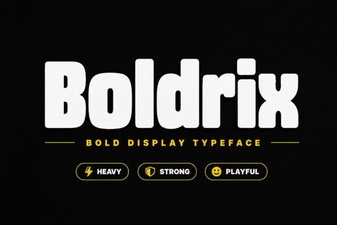 Boldrix Font: a Modern Designer's Toolkit
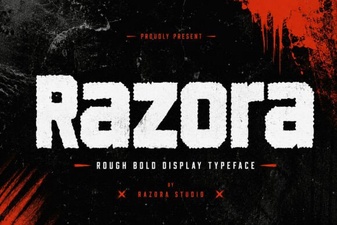 Razora Font: Design Inspiration & Use Cases
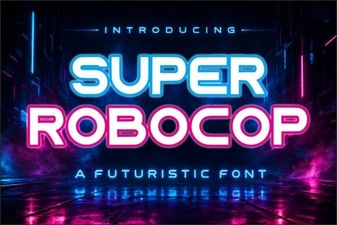 Super Robocop Font: Designs & Creative Projects
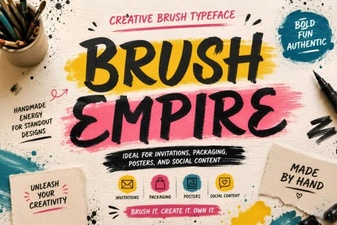 Brush Empire Font for Creative Design Projects
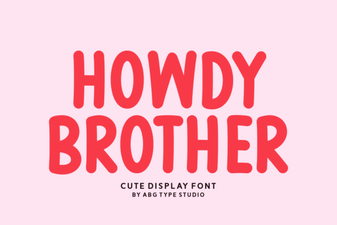 Howdy Brother Font: Free Download & Creative Uses
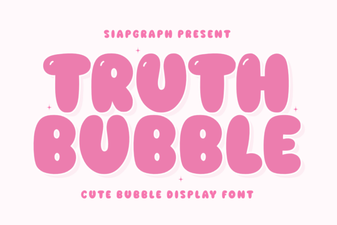 Truth Bubble Font for Your Creative Projects